
Cybersecurity sounds like a job for experts in a dark room full of screens. In reality, it is something every person who uses a phone, a laptop, email or online banking already needs.
If you have ever chosen a password, clicked a link in an email, or wondered whether a message was real, you have already been doing cybersecurity — even if nobody called it that.
This guide explains what cybersecurity is in plain English, why it matters for everyday users, what the main threats look like, and which simple habits actually protect you. No technical background is needed.
What cybersecurity actually means
Cybersecurity is the practice of protecting your devices, accounts and personal information from being stolen, damaged or misused online.
It covers three things that work together:
1. Your devices. Your phone, laptop and tablet. If a device is out of date or full of apps you no longer use, it is easier to attack.
2. Your accounts. Your email, bank, social media and shopping accounts. If someone gets into your email, they can often reset the passwords for your other accounts too.
3. Your habits. What you click, what you download, and what information you share. Most attacks do not start with clever hacking. They start with a convincing message and a normal person in a hurry.
A helpful way to think about it is like home security. A strong lock helps, but it works best together with a closed window, a working alarm and a habit of checking who is at the door. Cybersecurity works the same way. No single tool does everything. A few good habits, used together, do most of the work.
Why cybersecurity matters for everyday users
Many people think attackers only target companies, banks and celebrities. That is a common misunderstanding.
Everyday users are attractive targets for a simple reason: there are far more of them, and many of them reuse the same password everywhere, click links quickly, and do not have a security team to notice a problem.
An attack on an ordinary person can still cause real harm:
- Money can be taken from a bank account or spent on a card.
- Personal photos, messages and documents can be copied or locked away.
- An email or social media account can be used to message friends and family with scams.
- Personal details can be used to open accounts or apply for credit in someone else’s name.
You do not need to be rich or famous to be a target. You only need to be reachable, and if you are online, you are reachable.
The good news is that most of this harm is preventable. The steps in this guide are simple, free, and take minutes rather than hours.
The main types of online threats
You do not need to memorise every technical term. It helps to recognise the most common threats, because once you can name one, it is much easier to spot.
| Threat | What it means in plain English | What it usually looks like |
|---|---|---|
| Phishing | A fake message designed to trick you into sharing a password or clicking a bad link | An email or text that looks like it is from your bank, a delivery company or a well-known service, with an urgent link |
| Malware | Harmful software that can steal information or damage a device | A fake app, a dodgy download, or an attachment you were not expecting |
| Ransomware | Malware that locks your files and demands payment to unlock them | Files suddenly cannot be opened, with a message asking for payment |
| Data breach | A company’s systems are broken into and customer details are exposed | A news story or an email saying your details may have been involved in a leak |
| Identity theft | Someone uses your personal details to pretend to be you | A new account, loan or purchase you did not make |
| Online scams | A trick designed to get money or information, often using trust or urgency | A message about a prize, a refund, a job, or a family member in trouble |
Most of these threats share the same pattern. They create urgency, they pretend to be someone you trust, and they ask you to act quickly without checking.
If a message makes you feel rushed, worried or excited, pause. That feeling is often the first clue.
The three layers that actually protect you
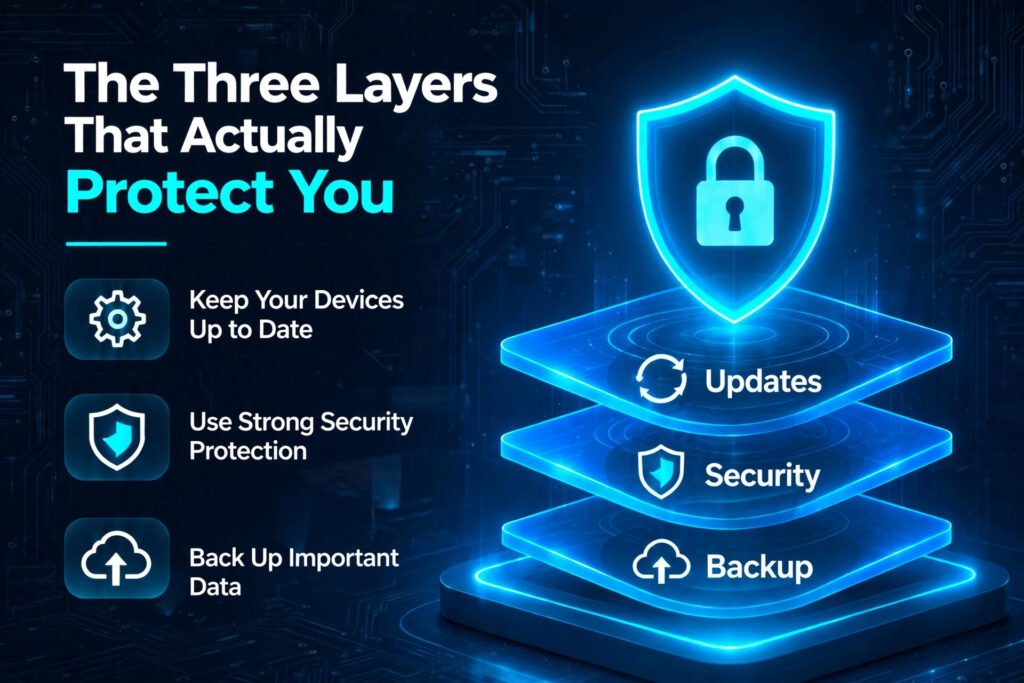
Good cybersecurity is not about one perfect app. It is about three layers working together.
Layer 1: Keep your devices up to date
Software updates are not just about new features. They often fix security holes that attackers already know about.
- Turn on automatic updates for your phone, laptop and browser where possible.
- Update apps regularly, and delete apps you no longer use.
- Use the security features that are already built in, such as a screen lock, device encryption and Find My Device.
This takes very little effort, and it closes many of the easiest ways in.
Layer 2: Protect your accounts
Your email account is the most important account you own. If someone controls your email, they can often reset other passwords and pretend to be you.
Start with these three steps:
Use a different password for each important account. Reusing one password means one leak can unlock many accounts. A password manager can remember them for you, so you do not have to.
Turn on two-factor authentication. This adds a second check, usually a code from your phone, when you sign in. Even if someone knows your password, they still cannot get in without that code.
Check what is connected to your accounts. Every few months, look at the devices and apps signed into your email and social media accounts, and remove anything you do not recognise.
These three steps alone stop a large share of everyday account attacks.
Layer 3: Slow down before you click
Technology can help, but your own judgement is still the strongest defence.
Before you click a link or open an attachment, ask three quick questions:
- Was I expecting this message?
- Does the sender’s address actually match the company it claims to be from?
- Is it asking me to act urgently, share a password, or pay something unusual?
If the answer to the first question is no, do not click the link in the message. Go to the company’s official website or app yourself and check there instead.
The same rule applies to phone calls. A real bank or service will not mind if you hang up and call them back on the number on their official website.
Seven simple habits that make a real difference
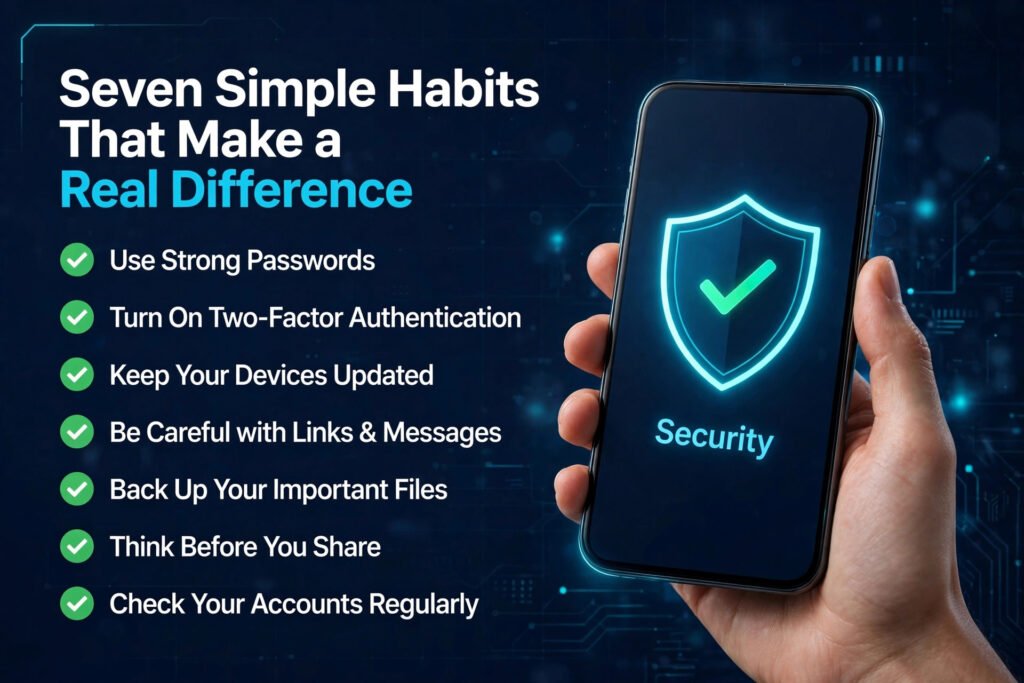
You do not need to do everything at once. Start with the habits below, one at a time, and they will soon feel normal.
1. Use strong, unique passwords. A long password is better than a short clever one. Use a password manager rather than writing passwords in a notebook or reusing the same one.
2. Turn on two-factor authentication. Start with email, banking and social media.
3. Update your devices. Let updates install, rather than putting them off for weeks.
4. Be careful with public Wi-Fi. Avoid banking or entering sensitive details on a public network you do not trust. If you must use it, keep it to browsing.
5. Back up your important files. Keep a copy of photos and documents somewhere safe, such as an external drive or a trusted cloud service. If a device is lost or locked by ransomware, a backup means you do not lose everything.
6. Think before you share. Personal details, travel plans and photos can be used to guess passwords or to make a scam message sound convincing. Share less in public posts than you think you need to.
7. Check your accounts regularly. A quick look at bank statements and account activity each month helps you spot a problem early, when it is easier to fix.
None of these habits requires technical skill. They require a little attention, repeated regularly.
What to do if something goes wrong
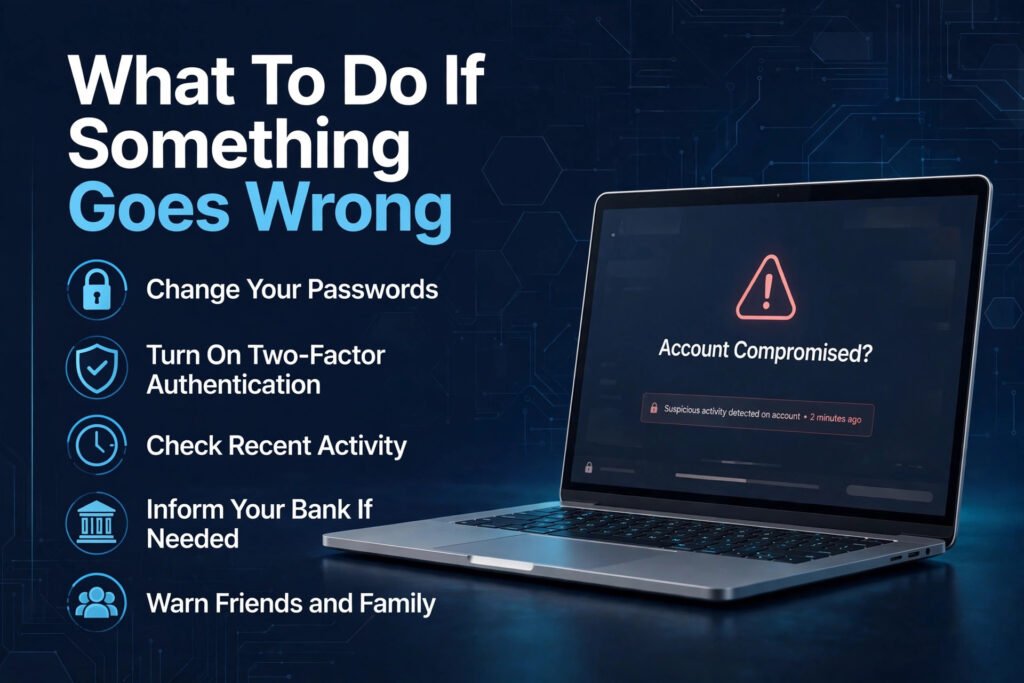
Even careful people can be caught out. If you think an account has been attacked, act quickly and calmly.
- Change the password for that account, and for any other account that used the same password.
- Turn on two-factor authentication if it was not already on.
- Check recent activity, messages and purchases for anything you did not do.
- Tell your bank straight away if money is involved, and tell the service whose account was affected.
- Warn friends and family if your email or social media account was used to contact them.
- If personal details were exposed in a data breach, watch for unusual messages and consider changing passwords for the affected services.
Do not feel embarrassed about reporting it. Attackers rely on people staying quiet. Reporting quickly helps you, and it helps others too.
For official guidance on staying safe online, the U.S. Cybersecurity and Infrastructure Security Agency (CISA) publishes clear, practical advice for the public at https://www.cisa.gov/cybersecurity
Common cybersecurity myths
“I have nothing worth stealing.”
Your email, photos, contacts and identity are worth something to an attacker, even if your bank balance is small.
“Antivirus software alone will protect me.”
Security software helps, but it cannot stop you from entering a password on a fake website or sharing a code with a scammer.
“Only careless people get attacked.”
Many attacks are designed to look completely normal. Being careful helps, but anyone can be targeted. The aim is to reduce risk, not to be perfect.
“A complicated password is enough.”
A strong password is a good start, but without two-factor authentication and updates, it is only one layer.
“I will know if I have been attacked.”
Not always. Some attacks are quiet. That is why checking account activity and using two-factor authentication matters.
Frequently asked questions
What is cybersecurity in simple words?
Cybersecurity is the practice of protecting your devices, accounts and personal information from being stolen, damaged or misused online. It includes strong passwords, updates, two-factor authentication and careful habits.
Do I need cybersecurity if I only use my phone for everyday things?
Yes. Your phone holds your email, photos, banking and messages. That makes it one of the most important devices to protect, even if you only use it for everyday tasks.
What is the difference between cybersecurity and online safety?
They overlap closely. Cybersecurity usually refers to the technical protection of systems and data, while online safety also includes how you behave online, what you share, and how you spot scams. In practice, you need both.
Is a free antivirus enough to stay safe?
Free security software can help, but it is not enough on its own. Updates, unique passwords, two-factor authentication and careful clicking matter just as much, and often more.
What should I do first if I can only do one thing today?
Turn on two-factor authentication for your email account, and make sure its password is unique. Your email is the key to many of your other accounts, so protecting it first makes the biggest difference.
How often should I change my passwords?
You do not need to change a strong, unique password on a fixed schedule. Change it straight away if a service tells you there has been a breach, if you reused it somewhere else, or if you think someone may know it.
The bottom line
Cybersecurity is not about fear, and it is not only for experts. It is a small set of practical habits: keep your devices updated, protect your accounts with unique passwords and two-factor authentication, back up what matters, and pause before you click.
Start with your email account today. Then add the next habit when you are ready. Each step makes you a harder target, and together they make a real difference.