

A video shows a well-known person promoting a miracle investment. A call sounds exactly like your daughter, asking you to send money now. A product has five thousand glowing reviews and not one complaint. Any of these could be real — or made by AI in minutes.
Scammers used to give themselves away with bad spelling and clumsy designs. AI has taken away many of those clues: it writes smooth messages, copies a voice from a short clip, and writes hundreds of believable reviews. Polish is easy to mistake for proof.
This guide shows how to spot AI scams without suspecting everything online. You need no special software — just a few habits, a pause before you act, and a way to check things through a channel you trust.
How AI Scams Work
Most AI scams follow the same shape as older scams. What AI changes is the quality and the speed: a scammer can now write a convincing message in your language, in the right tone, addressed to you by name, and send thousands of versions of it in minutes.
First comes the hook: fear, like a hacked account or a family emergency; hope, like a prize, a job, or an investment that seems too good to miss; or curiosity, like a celebrity video. The hook makes you react before you think.
Second, AI fills in the details, borrowing from real life: a real logo, a real photo, a real news story. Third comes pressure: a deadline, a limited offer, a threat, or a request to keep it secret.
Finally, there is the ask: money, a password, a one-time code, a gift card, or a click on a link to a fake login page. It usually has to happen quickly, through a channel the scammer controls.
The scammer still needs you to act fast and without checking, so pause and check every time, even when something looks perfect. For the basics, see our guide to what cybersecurity means for everyday users.
| What AI makes | What it looks like | What the scammer wants |
|---|---|---|
| A written message | A smooth email from someone you trust | A click or a login |
| A cloned voice | A call that sounds like a family member or boss | Money sent in a hurry |
| A deepfake video | A familiar face saying something surprising | Trust in a fake offer |
| Fake reviews | Hundreds of glowing reviews | A purchase from a fake seller |
Spotting Deepfake Videos and Audio
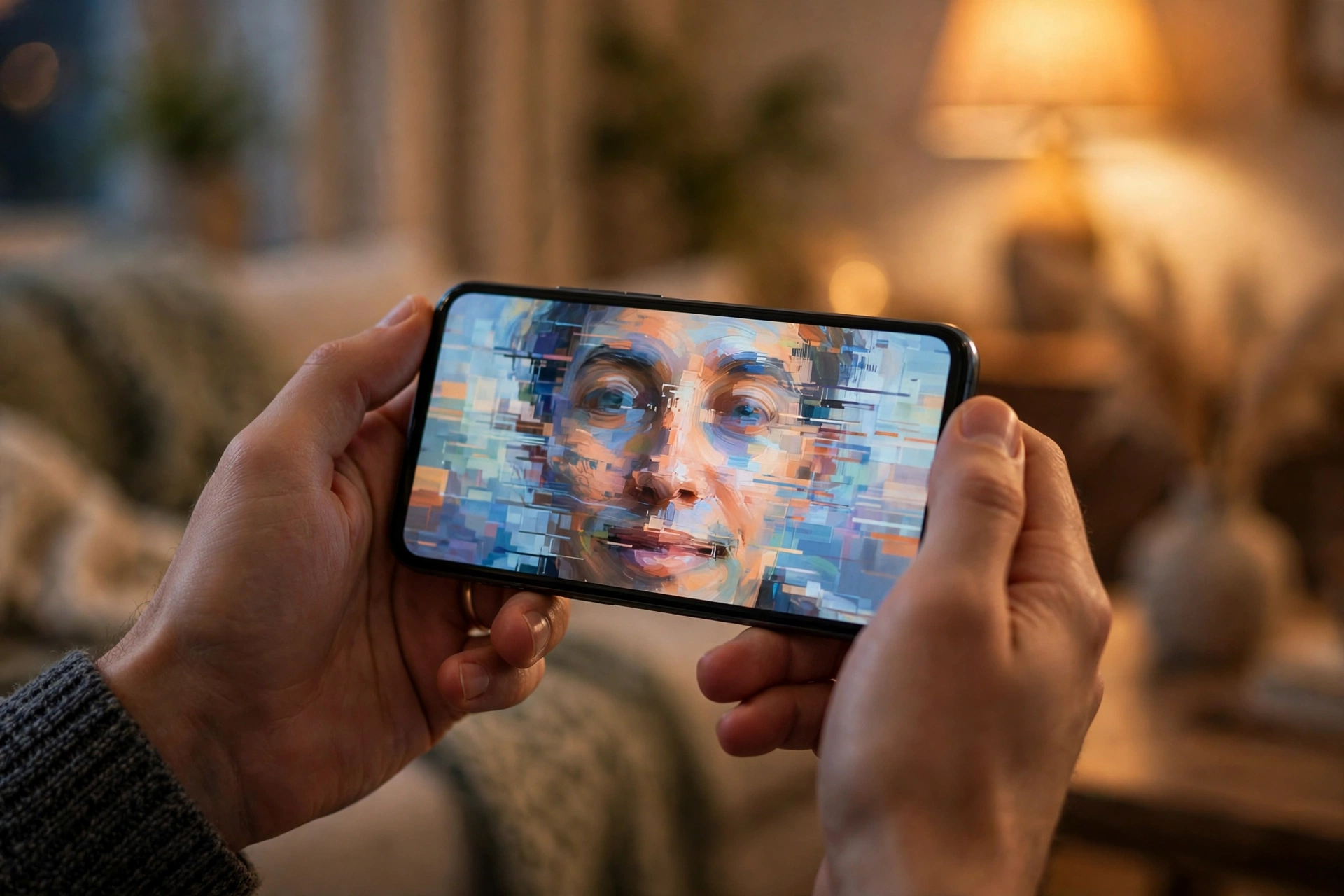
A deepfake is a video or audio clip where AI makes it look or sound like a real person said or did something they never did. Some are made for fun, some to trick people. Telling them apart by eye alone is getting harder, so use a mix of clues.
Start with the face and the movement. Do the lips match the words, or lag behind? Do the eyes blink naturally, or stare without blinking? Are the edges of the face and hair sharp in one place and oddly smooth in another?
Check the hands and teeth, which AI still gets wrong most often. A cloned voice often sounds flat, with odd pauses or no background noise where you would expect some.
Context matters as much as the picture. Is the video only on one account, or reported by news outlets you recognise? Does the person say something out of character, or ask you to invest money?
Live video calls deserve extra care: a fake face can appear in a live call, so a face on screen proves nothing. If someone you know asks for money or a code on a video call, hang up and call them back on a number you already have.
No visual check is perfect: as these tools improve, spotting a glitch matters less than verifying through a separate channel.
Spotting Fake Reviews
Reviews help us choose where to spend our money, which is exactly why scammers fake them. AI can write hundreds of reviews that sound like real customers, and a shop full of five-star praise can hide a seller who never sends anything.
Check the pattern first, not a single review. Real reviews are messy: some are long, some are two words, some praise the product, some complain about delivery, and some mention something small and specific, like the size of a pocket.
Fake reviews often sound the same, repeat the same phrases, and say very little that is specific. If every review calls a product “amazing” but none mention a detail, be careful.
Next, look at the dates. If dozens of glowing reviews all appeared on the same day or two, that is unusual: real products build up reviews gradually. A sudden flood of praise is a sign the reviews may have been bought or generated.
Read the unhappy reviews too: a real product will have some. A seller who answers politely is a better sign than one with no bad reviews at all.
Finally, check outside the shop itself. Search for the product or seller’s name. Does the shop have a real address, a working phone number, and clear returns information? If the price is far below every other seller, the deal is probably not real.

Spotting AI-Written Scam Messages
AI has made scam messages much harder to spot by reading alone: the spelling, grammar and tone are all correct. Instead of looking for mistakes, look for the request and the pressure behind it.
A genuine message from your bank will rarely ask you to act in a hurry, keep something secret, or use an unusual payment method. A scam message often does all three: “act within 24 hours or your account will be closed”, “do not tell anyone”, or “pay with gift cards or cryptocurrency”.
Check the sender, not just the name. A message can display the name of a real company while coming from an address or number you do not recognise. Look at the full email address. Is the domain slightly wrong, like a letter swapped or an extra word added?
Scammers often use details from data breaches or social media to make a message feel personal. Our guide on how to identify and avoid phishing attacks goes through these tricks step by step.
Check the link before you touch it. Hover over it on a computer, or press and hold it on a phone, to preview the address. If it does not match the company it claims to be from, do not click it. Go to the company’s website yourself, or use the app you already have.
Never share a one-time code. A real company will never ask you to read out a code sent to your phone. If someone asks for it, that is the moment to stop. Turning on two-factor authentication protects your accounts, but only if you keep those codes private.
Verify Before You Trust
Verification is one short routine you can use every time something asks you for money, a password, or a code. It takes a minute, and it works even when the fake looks perfect.

- Pause. Do nothing for a minute. Step away from the message, call, or video.
- Ask what is being asked. Money, a password, a code, or a click? If yes, check more carefully.
- Use a channel you already trust. Call a number you already have, not the one in the message. Or type the website address yourself.
- Check with someone else. Tell a family member or colleague what you received.
- Search for it. Search for the offer or company name along with the word “scam”. Others may have reported the same trick.
- Only then decide. If the check confirms it, go ahead. If anything still feels wrong, do not proceed.
The UK’s National Cyber Security Centre explains the same warning signs in its guide on how to spot a scam email, text message or call.
What to Do If You Were Fooled
Being fooled by a scam is upsetting, and it can happen to anyone. Feeling embarrassed is normal, but it helps no one. What matters now is acting quickly and calmly.
Stop the contact: do not reply, answer, or click anything else they send. Block the number or account if you can. Then protect your accounts. If you shared a password, change it right away, and on any other account where you used it.
Our guide on how to create strong passwords and use a password manager can help. If you shared a code or a bank detail, contact your bank at once using the number on your card or its official website.
Next, report it. In the UK, forward suspicious emails to the NCSC’s reporting service and suspicious texts to 7726. In the US, report scams to the Federal Trade Commission. Reporting helps the authorities spot the pattern and warn others.
Finally, tell someone — and if personal details were shared, see our guide on what digital privacy means and why it matters.
Myths About AI Scams
“I would be able to tell if a video was fake.” A few years ago that was mostly true. Today a good fake can pass a quick look on a phone screen. Check the source and the request, not just your eyes.
“Only older people or careless people fall for scams.” Scams work on busy, tired, trusting people — all of us. Being careful is about having a routine and using it.
“If the spelling and grammar are perfect, it must be real.” AI writes clean, correct messages by default, so a perfect message proves nothing. Judge the request, not the writing.
“A blue tick or a verified badge means it is safe.” A badge only means an account passed a platform’s checks, not that its owner is honest. Treat it as a hint, not a guarantee.
“AI detection tools can tell me if something is fake.” Some tools try to detect AI-made content, but they miss good fakes and wrongly flag real content. Use them as one clue among many.
“There is nothing I can do once AI is involved.” Scams still need you to click, pay, or share a code. Slowing down and checking through a trusted channel will stop most of them.
Frequently Asked Questions
How can I tell if a video is a deepfake?
Look for lip-sync that lags, unnatural blinking, blurred edges around the face and hair, and hands or teeth that look wrong. Check the context too: is it only on one account, does it ask you to invest or pay, and is it reported anywhere else?
Can AI clone my voice from a short clip?
Yes, a short clip from a video or voice message posted online can be enough. Agree on a family code word: if a caller who sounds like a loved one cannot say it, hang up and call back on a number you already have.
Are all AI-written reviews fake?
No. Some businesses use AI for honest descriptions or to summarise real feedback. The problem is reviews written to mislead: many that sound the same, all posted the same day.
What should I do if I get a suspicious message that looks perfect?
Pause, and do not click anything in it. Check the sender’s full address or number, and reach the company through a route you trust. If it asks for money, a password, or a code, verify first.
Can I trust AI detection tools to spot a scam?
Only partly. Detection tools can flag some AI-made content, but they can miss good fakes and wrongly flag real content. Use them as one clue, and rely more on the request, the pressure, and verification.
What is the quickest check I can do before I trust something online?
Ask two questions. What is being asked: money, a password, a code, or a click? And can I check it through a route I chose myself, such as calling a number I already have? If the first answer is yes and the second check fails, do not proceed.
The Bottom Line
AI has made scams look better, but it has not changed what they are. They still need you to act quickly, without checking, and hand over money, a password, or a code. The signs are still there: pressure, secrecy, and an unusual payment method.
You do not need to become an expert in AI to stay safe. You need a pause, a few simple checks, and the habit of verifying through a channel you trust. Check the video, the reviews, and the request. Never share a one-time code.
Remember this: a perfect-looking message is not proof of anything. A quick check through a route you chose yourself is.