

You get an email from your bank. It says there is a problem with your account and you need to sign in straight away. The logo looks right. The message sounds urgent. The link looks almost right.
That is phishing. It is one of the most common online attacks, and it does not rely on clever hacking. It relies on a convincing message and a normal person in a hurry.
Phishing messages try to trick you into clicking a bad link, opening a harmful attachment, or typing your password or bank details into a fake website. Once you know how they work, they become much easier to spot — and much easier to stop.
What is phishing?
Phishing is a type of online scam in which criminals pretend to be a person or organisation you trust, in order to steal your money, your passwords or your personal information.
The name comes from “fishing”: the attacker casts out a message as bait and waits for someone to bite. Most phishing messages are sent to thousands of people at once. The attacker does not need everyone to fall for it — a small number of replies is enough to click a link to a fake login page, open an attachment that installs harmful software, or reply with a password, a card number or a one-time code. Once the attacker has those details, they can sign in as you, move money, or use your account to target your friends and family.
Phishing sits at the centre of how most account attacks begin. Our beginner’s guide to cybersecurity explains where it fits into the bigger picture: https://darknet.cards/what-is-cybersecurity-beginners-guide/
How phishing works: email, text, phone and social media
Phishing is not only email. The same trick arrives through several channels.
Email phishing. A fake email claims to be from your bank, a delivery company, a streaming service, a government department or a colleague. It often warns of a problem — an unpaid bill, a locked account, a missed delivery — and includes a link or attachment to “fix” it.
Text message phishing, known as smishing. A short text claims a parcel could not be delivered, a payment failed, or a bank account needs verification. The message includes a link to a fake website, or asks you to reply with personal details. Because texts feel personal and urgent, people often act on them faster than on email.
Phone phishing, known as vishing. A caller pretends to be from your bank, a tech support team or a government office. They may already know your name and some details about you, which makes them sound convincing. They often claim there is fraud on your account and ask you to confirm a password, a card number or a code sent to your phone.
Social media phishing. A fake account, or a hacked real account, sends you a message with a link — a prize, a video, a job, or a warning that your account will be closed. The link leads to a fake login page that steals your password.
In every case, the pattern is the same: the message pretends to be someone you trust, creates pressure to act, and gives you a link, a number or an attachment that the attacker controls.
Red flags: how to spot a phishing message
You do not need to be an expert to spot phishing. Look for these warning signs, and treat any message that shows one of them as suspicious until you have checked it another way.
| Red flag | What it looks like |
|---|---|
| Urgency and threats | “Your account will be closed in 24 hours”, “Pay now or face a fine”, “Act immediately” |
| An unexpected message | A delivery notice for something you did not order, a refund you did not ask for, a password reset you did not request |
| A mismatched sender | The display name says your bank, but the email address is a random string or a slightly misspelt domain |
| A generic greeting | “Dear customer” or “Dear user” instead of your name |
| A link that does not match | The text says one website, but the real address behind the link goes somewhere else |
| A request for sensitive details | Asking for your full password, card number, PIN or one-time code by email, text or phone |
| Bad spelling, grammar or design | Messages that look rushed, use strange wording, or have a logo that feels slightly off |
| An unexpected attachment | A file or invoice you were not expecting, especially one that asks you to enable content |
| Too good to be true | A prize, a refund, a job or a deal that seems far too generous for no reason |
| Pressure to keep it secret | “Do not tell anyone”, or instructions to act while you are still on the phone |
One red flag on its own may be harmless. Two or more together should make you stop. The UK National Cyber Security Centre (NCSC) groups the same tactics into five signs — authority, urgency, emotion, scarcity and current events — and its guidance on spotting scams is a clear, official place to check them: https://www.ncsc.gov.uk/collection/phishing-scams/spot-scams
A useful rule follows from all of this: a real bank or official service will never ask you to supply personal information by email, or call and ask you to confirm your full bank account details. If a message asks for that, the message itself is the warning sign.
How to check a link or sender before you click
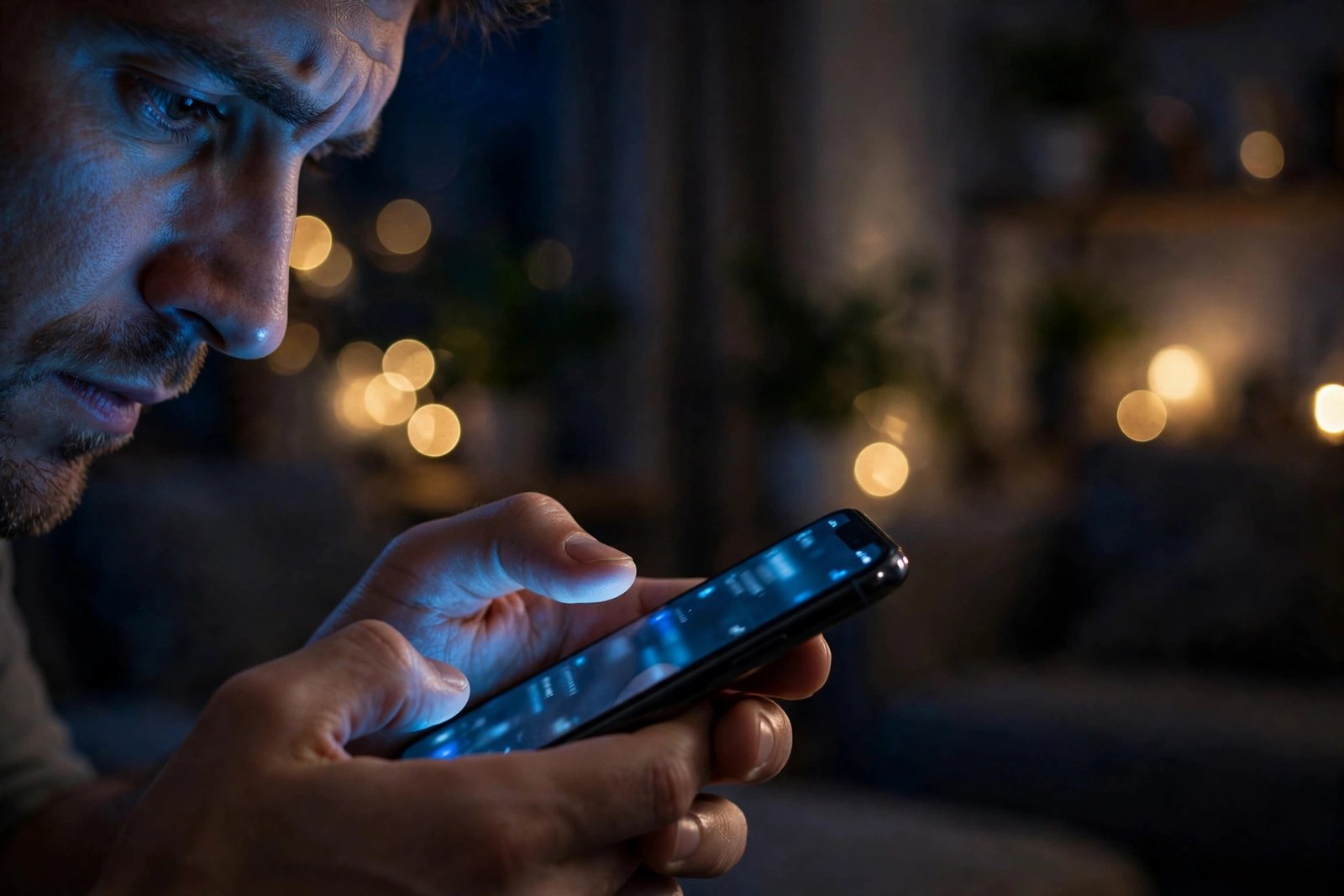
Before you click a link or open an attachment, take 30 seconds to check it. Those 30 seconds stop most phishing attacks.
1. Were you expecting this message? If the answer is no, do not click the link in the message. Go to the company’s official website or app yourself — type the address, or use a bookmark — and check there instead.
2. Check the sender’s real address. Hover over the sender’s name on a computer, or tap it on a phone, to see the full email address. Look for misspellings, extra words, or a free email address where an official one should be.
3. Check the link without clicking it. Hover over the link on a computer, or press and hold it on a phone, to see where it really goes. Read the domain carefully. Attackers use lookalike domains — a letter swapped, an extra word added — that look right at a glance.
4. Do not trust the logo alone. Logos are easy to copy. A professional-looking email proves nothing — check the sender and the link, not the design. The same goes for shortened links and QR codes in unexpected emails, which hide where they really go.
5. If it is a phone call, hang up and call back. A real bank or service will not mind if you hang up and call them back on the number from their official website or the back of your card. Never use a number given in a suspicious message, and never use the contact details printed in the message itself — use details you already trust.
What to do if you clicked or shared details
Even careful people can be caught out. Phishing messages are designed to look normal, and anyone can click in a moment of distraction. If that happens, act quickly and calmly. Speed matters more than embarrassment.
- Stop and close the page. Do not enter any more details. If you downloaded a file, do not open it again.
- Change the password straight away. Start with the account involved, then change the same password anywhere else you used it. Our guide to strong passwords and password managers explains how: https://darknet.cards/how-to-create-strong-passwords-password-manager/
- Turn on two-factor authentication. If it was not already on, turn it on now, so a stolen password alone is not enough to sign in. Our guide explains how to set it up: https://darknet.cards/what-is-two-factor-authentication/
- Check recent activity. Look at recent sign-ins, messages, purchases and settings for anything you did not do.
- Tell your bank straight away if money is involved. If you shared card or bank details, or sent money, call your bank immediately using the number on your card or their official website.
- Warn friends and family. If your email or social media account was used to contact them, tell them straight away so they do not click the same links.
- Report the message and check your device. Forward a suspicious email to your country’s reporting service where one exists, report a suspicious text to your mobile provider, and update your device and run a security scan.
Do not feel embarrassed about reporting it. Attackers rely on people staying quiet. Reporting quickly helps you, and it helps others too.

How to protect yourself from phishing
You cannot stop phishing messages from arriving. You can make them far less likely to succeed.
Turn on two-factor authentication everywhere it is offered. Start with email, banking and social media. Even if an attacker steals your password, they still cannot sign in without the second check from your phone or authenticator app.
Use a password manager with unique passwords. One stolen password then cannot unlock the rest, and the manager will only fill your password on the real website, not on a fake copy.
Keep your devices and apps updated. Updates fix security holes that attackers use. Turn on automatic updates for your phone, laptop and browser where possible.
Slow down when a message creates urgency. Phishing works by making you act before you think. If a message makes you feel rushed, worried or excited, pause — that feeling is often the first clue. A quick monthly look at bank statements and account activity also helps you spot a problem early, when it is easier to fix.
Common phishing myths
“I can always spot a phishing email by bad spelling.” Not any more. Many phishing messages are well written, use the right logo, and look completely professional. Check the sender and the link, not the spelling.
“Phishing only happens by email.” It also happens by text, phone call and social media message. The same checks apply on every channel: were you expecting it, who really sent it, and where does the link really go?
“Only careless people fall for phishing.” Phishing is designed to fool busy, normal people, using real company names, real events and personal details.
“If I did not enter any details, I am safe.” Clicking a link or opening an attachment can still be risky, even if you typed nothing. If you clicked something suspicious, change the password and check the account.
“My bank will call me if there is a problem, and antivirus alone will protect me.” Banks do contact customers, but they will never ask for your full password, PIN or one-time code — if a caller asks for those, hang up and call back on a number you trust. Security software helps too, but it cannot stop you from entering a password on a fake website, so your own checks matter just as much.
Frequently asked questions
What is phishing in simple words?
Phishing is a scam in which criminals pretend to be a person or organisation you trust, usually by email, text, phone or social media, to trick you into clicking a bad link or sharing passwords or bank details.
How can I tell if an email is a phishing email?
Check whether you were expecting it, look at the sender’s real email address, hover over or press and hold any link to see where it really goes, and watch for urgency, generic greetings and requests for sensitive details.
What is the difference between phishing, smishing and vishing?
They are the same trick on different channels. Phishing is usually email, smishing is phishing by SMS text message, and vishing is phishing by voice phone call. All three pretend to be someone you trust and try to get you to act quickly.
What should I do if I clicked a phishing link?
Do not enter any more details. Close the page, change the password for the account involved and anywhere else you used it, turn on two-factor authentication, and tell your bank straight away if money or card details are involved.
Should I reply to a phishing message to check if it is real?
No. Do not reply, click its links, or call the number in the message. Contact the organisation directly using details from their official website or app.
Can a password manager protect me from phishing?
Yes, it helps. A password manager stores a different password for each account and will only fill your password on the real website, not on a fake copy. It does not replace your own checks, but it makes a stolen password far less useful to an attacker.
The bottom line
Phishing works because it looks normal and feels urgent. It fails when you slow down and check.
Before you click, ask three questions: was I expecting this, who really sent it, and where does this link really go? If you cannot answer them, do not click. Go to the company yourself and check there instead.
Add two-factor authentication, use unique passwords with a password manager, and keep your devices updated. Those three habits mean that even if a phishing message reaches you, it is far less likely to cost you your account or your money.
Start with your email account today. It is the key to many of your other accounts, and protecting it first makes the biggest difference.