

Every day, you leave a trail behind you online: the websites you visit, the apps you open, the places your phone has been, the things you search for. Most of the time you never see it being recorded, stored and shared.
Digital privacy is not about having something to hide. It is about having a say in what is known about you, who knows it, and what they do with it. This guide explains what digital privacy means in plain English, what data is collected about you, why it matters, and the simple steps that help you take some control back.
What digital privacy means in plain English
Digital privacy is your ability to control your personal information online: what is collected about you, how it is used, who it is shared with, and how long it is kept.
Personal information is wider than most people think. It is not only your name, address and bank details — it is anything that can identify you, or be combined with other information to identify you: your email, your phone number, your photos, your location, your device, even the pattern of websites you visit.
Think of it like your home: you decide who comes in and what they can see. Digital privacy is the same idea online — except the doors are often open by default, and you have to learn where the locks are.
Digital privacy and cybersecurity are related, but they are not the same thing. Cybersecurity is about keeping attackers out of your accounts and devices. Digital privacy is about controlling what legitimate companies and services learn about you in the first place. You need both. Our beginner’s guide to cybersecurity explains the security side: https://darknet.cards/what-is-cybersecurity-beginners-guide/
What data is collected about you?
A surprising amount of information is collected during an ordinary day online, much of it quietly in the background.
Browsing and searches. The websites you visit and the things you search for can reveal your interests, your health concerns and your opinions. Search engines and websites often keep a record of this, tied to your account or your device.
Location. Your phone knows where you are, and many apps ask for that information. Location data can show where you live, where you work and where you spend your free time — far more revealing than a single address.
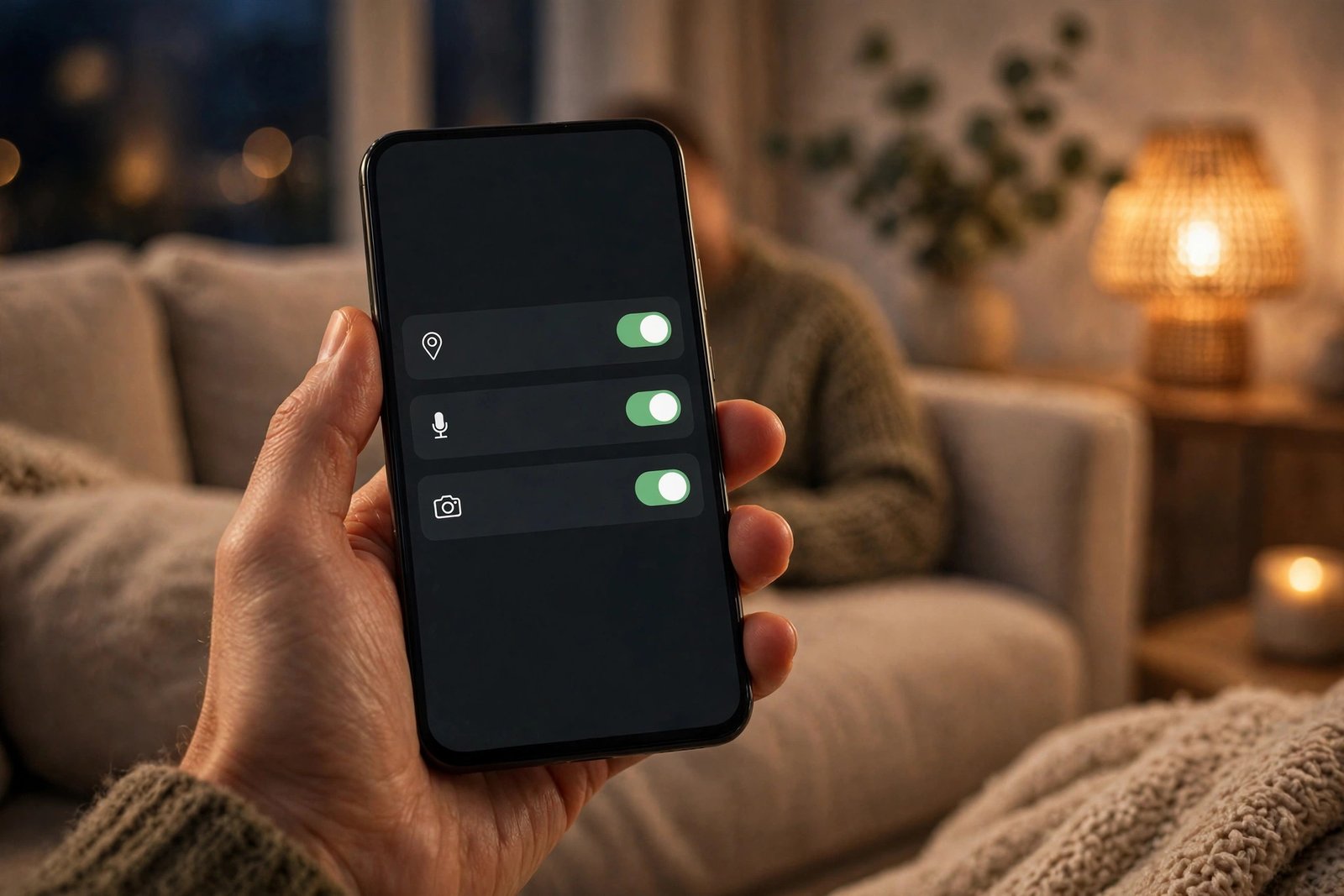
Apps and permissions. Apps can ask for access to your contacts, photos, microphone, camera and files. Some of that access is necessary for the app to work. Some of it is not, and it is worth checking what you have agreed to.
Cookies and trackers. When you visit a website, it may place small files called cookies on your device. Some are harmless and useful — they remember that you are signed in, or what is in your shopping basket. Others follow you from site to site, building a picture of your interests over time.
What you share yourself. Photos, posts, check-ins and comments all add to the picture, as does information other people share about you: a photo someone else posts, a tag, or a contact list that includes your number.
None of this means you should stop using the internet — but the choices you make, from permissions to posts, decide how much of that trail is left behind.
Why digital privacy matters
It is easy to think digital privacy does not matter if you have nothing to hide. But privacy is not about hiding wrongdoing. It is about control, safety and freedom. Here is why it matters for everyday users.
Your identity can be misused. Personal details are the raw material for identity theft and fraud: a name, a date of birth and an address can be enough for someone to open an account or impersonate you. The less of that information is floating around, the harder that becomes.
Your details make scams more convincing. If a message mentions your real name, your town or a service you actually use, it is much easier to trust. That information often comes from data that was collected, leaked or sold.
You are profiled, and the profile follows you. Companies build profiles from your activity — what you like, what you buy, what you worry about — and those profiles decide which adverts and content you see. You rarely get to see the profile, correct it, or ask for it to be deleted.
Control, once lost, is hard to get back. Information that is collected and shared is very difficult to take back — a photo or a location history can be copied and passed on many times. Think about privacy before the information is shared, not after.
If your personal information has ever been exposed in a data breach, the UK’s Information Commissioner’s Office explains the practical steps you can take: https://cy.ico.org.uk/for-the-public/i-m-worried-an-organisation-hasn-t-kept-my-information-safe-what-should-i-do/what-steps-can-i-take-if-i-ve-been-affected-by-a-personal-data-breach/
How tracking works
Tracking sounds technical, but the basic idea is simple: when you use a website or an app, information is exchanged between your device and the service. Some of it is necessary; some of it is used to follow you.
Cookies. A cookie is a small file a website stores on your device. First-party cookies come from the site you are visiting and usually help it work. Third-party cookies come from other companies whose code is embedded in the site, often for advertising, and these can follow you across many websites.
Trackers and pixels. Websites and apps often include tiny pieces of code from advertising and analytics companies. When a page loads, that code can record your visit, your device, and sometimes what you did there. Over time, the same tracker on many sites builds a detailed picture of your activity.
Data brokers. Some companies collect personal information from many different sources — public records, loyalty schemes, apps, websites — combine it into profiles, and sell access to those profiles. You may never have dealt with such a company directly, yet it may hold a detailed picture of you.
You cannot stop all tracking, and you do not need to. The aim is to reduce it to a level you are comfortable with, and to make informed choices about the services you use. A few settings changes, covered below, make a real difference.

Practical steps to protect your privacy
Protecting your privacy does not require technical skill — just a little time and a few settings changes. Work through the steps below in order.
1. Review your browser settings. Turn on tracking protection if it is available, and block third-party cookies. Private browsing stops your browser saving your history on your own device, but it does not hide your activity from your internet provider or the websites you visit.
2. Check your app permissions. Look at what each app on your phone can access. Does a torch app need your location? Does a game need your contacts? Remove permissions an app does not genuinely need — on both Android and iPhone, you can do this in the settings, app by app.
3. Limit location sharing. Turn off location access for apps that do not need it, and use “only while using the app” rather than “always” where that option exists. Think before you post your location in real time.
4. Use strong passwords and two-factor authentication. If someone gets into your email account, they can see a great deal about your life. Use a different strong password for each important account, and turn on two-factor authentication wherever it is offered. Our guide explains how: https://darknet.cards/how-to-create-strong-passwords-password-manager/ Two-factor authentication itself is explained here: https://darknet.cards/what-is-two-factor-authentication/
5. Be honest about what a VPN can and cannot do. A VPN encrypts the connection between your device and the VPN provider, which can help on public Wi-Fi. But it does not make you anonymous: the VPN provider itself can see your traffic, and websites can still track you through cookies and your account sign-in. A VPN is a useful tool for some situations, not a privacy shield on its own.
6. Think before you share. Before you post a photo, a location or a personal detail, ask who will see it and whether it could be used to identify you or your family. The same applies to quizzes and apps that ask for personal details in exchange for a result. If a free service asks for a lot of personal information, consider what it is getting in return.
7. Clean up and keep updated. Delete accounts and apps you no longer use, and review old posts and photos from time to time — fewer copies of your information means fewer places it can leak from. And turn on automatic updates for your phone, laptop and browser, since updates often fix security problems that could expose your data.
You do not need to do all of this in one day. Start with your browser settings and app permissions.

Common privacy myths
“I have nothing to hide, so privacy does not matter.” Privacy is not about hiding wrongdoing. It is about controlling who knows what about you. You close your curtains at home, and that does not mean you are doing anything wrong.
“Private browsing makes me anonymous.” Private browsing only stops your own browser saving your history. Your internet provider, your employer and the websites you visit can still see your activity.
“A VPN makes me completely private.” A VPN hides your traffic from the network you are on, but the VPN provider can see it, and websites can still track you in other ways. It is one tool, not a complete solution.
“Deleting a post deletes it everywhere.” Deleting a post removes it from your profile, but copies may already exist: screenshots, shares, backups and cached versions. Think before you post, not after.
“Only criminals and celebrities need privacy.” Your personal information is valuable to scammers and advertisers whether you are famous or not. Everyday details — your location, your habits, your contacts — are exactly what they want.
“Privacy settings are too complicated to bother with.” The most useful settings take minutes to change: tracking protection, app permissions and location access.
Frequently asked questions
What is digital privacy in simple words?
Digital privacy is your ability to control your personal information online: what is collected about you, how it is used, who it is shared with, and how long it is kept. It is about having a say in what is known about you.
What is the difference between digital privacy and cybersecurity?
Cybersecurity keeps attackers out of your accounts and devices; digital privacy controls what companies learn about you. You need both.
Can I stop companies tracking me completely?
In practice, no — some tracking is part of how the internet works. But you can reduce it a great deal with tracking protection, blocking third-party cookies, and reviewing app permissions and location sharing.
Are cookies dangerous?
Most cookies are not dangerous on their own — first-party cookies often help a website work. Third-party cookies, which follow you across different websites to build a profile of your activity, are the ones that raise privacy concerns.
Should I use a VPN for privacy?
A VPN can help on public Wi-Fi by encrypting your connection, but it does not make you anonymous, and it does not stop websites tracking you through cookies or your account. Do not rely on it as your only privacy protection.
What should I do first if I can only do one thing today?
Review the permissions on your phone: open your settings, see which apps can access your location, contacts, photos and microphone, and remove access an app does not genuinely need. It takes a few minutes.
The bottom line
Digital privacy is not about disappearing from the internet. It is about understanding that your personal information has value, knowing roughly how it is collected, and making a few deliberate choices about what you share and with whom.
Start with your browser and your phone: turn on tracking protection, check your app permissions, and limit location sharing. Then protect your accounts with strong, unique passwords and two-factor authentication. Those steps do not make you invisible, but they put you back in control of far more of your digital life than most people ever are.
Privacy is a habit, not a one-time fix. A little attention, repeated now and then, is all it takes.